
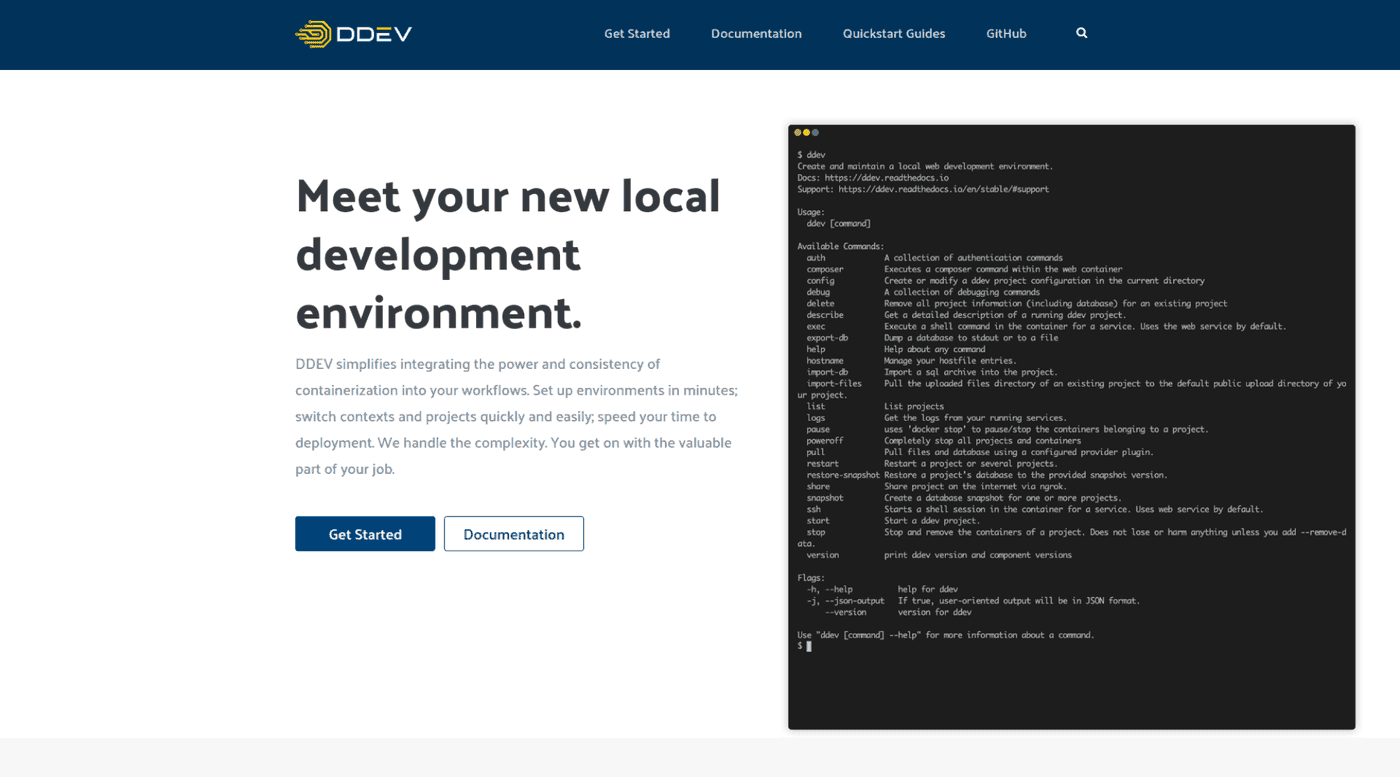
In Mautic, we make use of the open source tool DDEV heavily as a tool to help you get a local development environment spun up quickly. It’s an incredible tool, based on Docker (and can also be used with Colima if you prefer). While I was working on migrating this website to Joomla! 4, I decided to see how it stacked up when working with Joomla.
I love working with DDEV because it is quick and easy to set up, but also to change things like the PHP or MySQL version. With a couple of commands, everything is rebuilt with the new environment and you’re ready to go.
Mautic ships with a DDEV config file, however Joomla doesn’t currently provide one, so I decided to see what would happen just using the default DDEV PHP project configuration.
If you haven’t installed DDEV before, you’ll find some pretty concise instructions in the DDEV Documentation. For me, it was a case of:
- Install Docker (or Colima if preferred)
- Install DDEV
Once installed, you navigate to your Joomla directory at the command line, and run the command:
ddev config
This will run through some questions which you answer, and it creates a configuration file for you. If you’re using a project where there is already a configuration file shipped with the project, you can skip this step.
Once the configuration has completed, you can then start DDEV using the command:
ddev start
This will spin up for you:
- NGINX server with FPM
- MariaDB server with a database called ‘db’, user of ‘db’ and password of ‘db’ (or root/root)
- PHPMyAdmin for interrogating the database
- Mailhog for capturing outbound emails (you can configure Joomla to use Mailhog while testing)
If you need to know the port numbers or addresses to access the site, you can use the command:
ddev describe
This will output all the services in a nicely tabulated format!
Once DDEV is up and running, you can then either set up your Joomla site using an Akeeba Kickstart, start completely fresh with the regular installation process, or simply update your database credentials to look at the DDEV database (all use ‘db’) and then import the Joomla database in PHPMyAdmin.



0 comments
No comments yet - be the first.